Grave Discover makes it easy to manage burial records, map grave locations, store documents, sell available graves, and provide searchable public access.
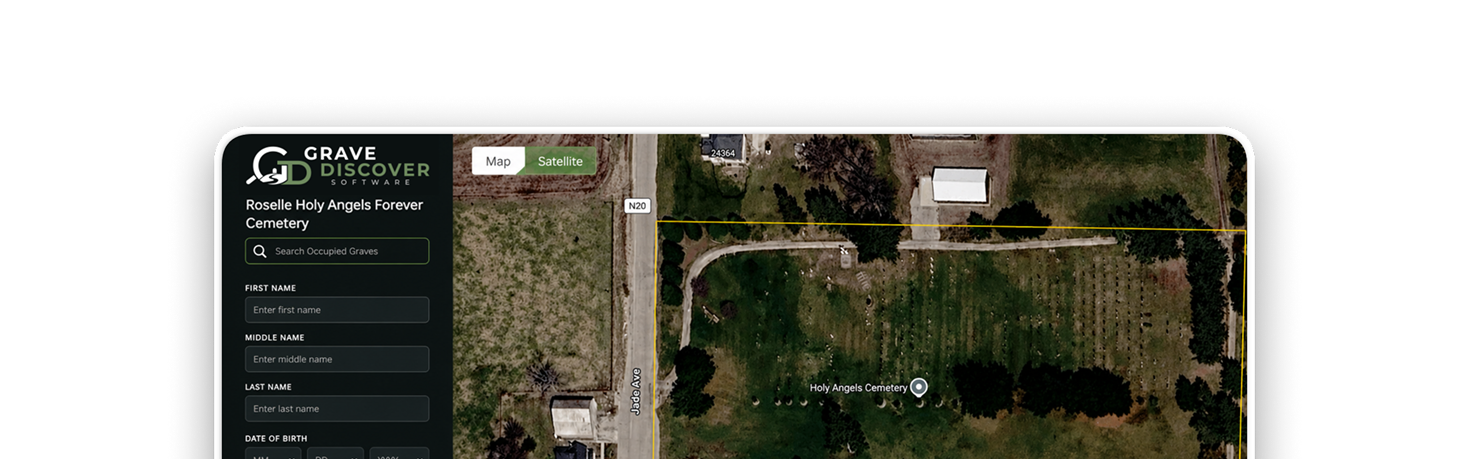
Map individual graves and plots with precise locations using interactive satellite and cemetery map views.
Multi-Cemetery Ready
Quickly manage cemetery data for multiple cemeteries for churches, municipalities and organizations.
Plot & Availability Management
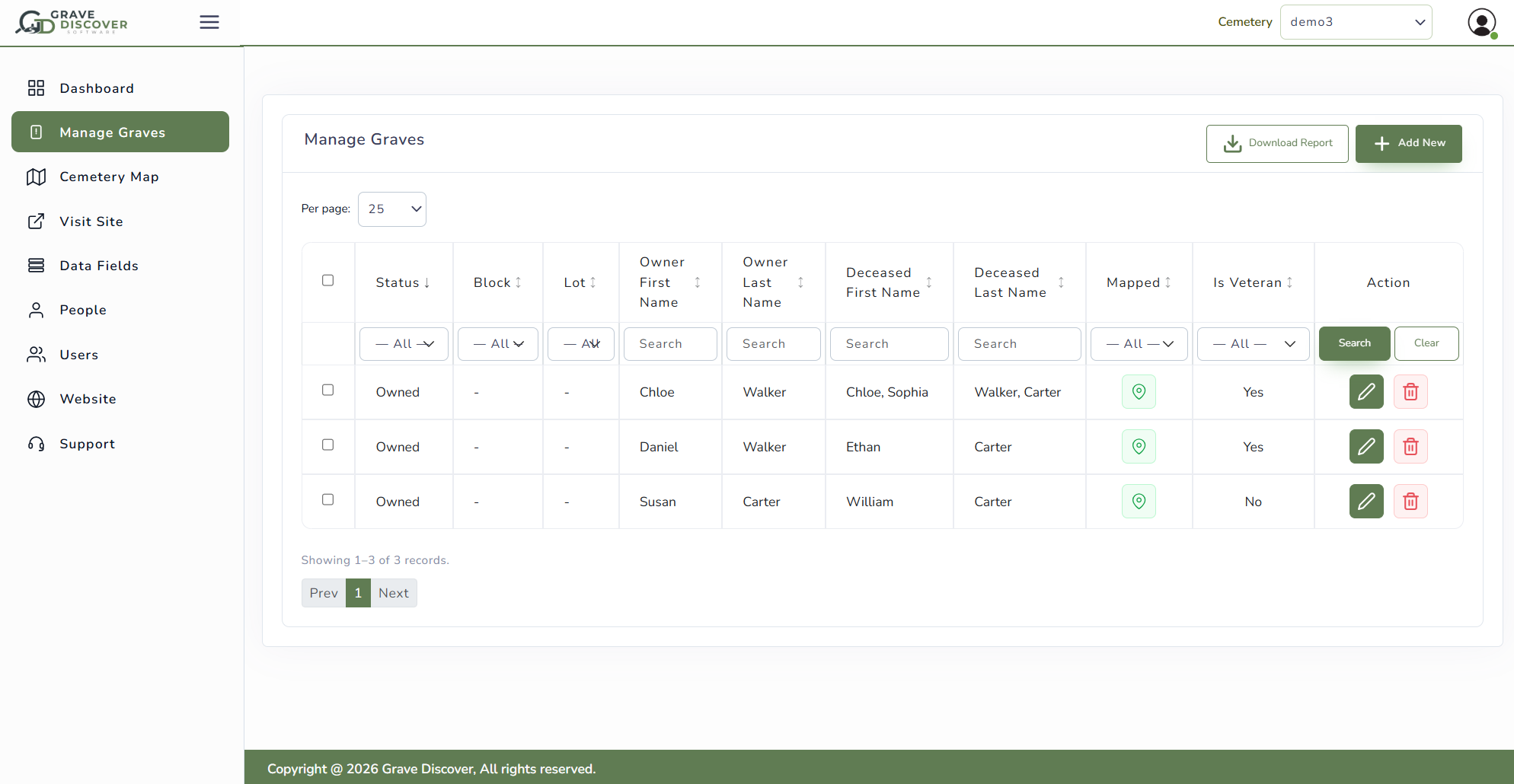
Easily identify and manage occupied, reserved, and available-for-sale cemetery spaces.
Image & Document Storage
Upload and organize headstone photos, obituaries, deeds, and other documents alongside cemetery records.
Reports & Insights
Generate reports, track grave status, export data, and view cemetery data in your dashboard.
Flexible Data Fields
Track important details like veteran status, birth and death dates, burial dates, related burials by family, and other custom cemetery information for each grave.
We're here to help you get the most out of Grave Discover
How Grave Discover Works
1
Setup Your Data Requirements
Cemetery managers collect and maintain information about grave locations, deceased individuals, ownership, and more. The first step is to create the data fields you need, ensuring you have a place to store all the information you want to keep on file.
2
Map Setup
Trace your cemetery boundary and upload your plot, lot, or survey map to help you stay organized. You can use Grave Discover without a survey map, but our team can work with you to create a survey map fr your cemetery.
3
Add Data & Grave Locations
The final step is to import your data from another source or manually enter information into Grave Discover. Once graves are entered, you can make them searchable on your cemetery website. After this final step, our team is here for support.
Today, this cemetery is managed by the Sullivan Township Cemetery Board. The board uses the Grave Discover Software to help manage this cemetery along with other small cemeteries within their…
Oak Grove Cemetery
Hillsboro, IL
Directors of the Oak Grove Cemetery started keeping records of their deceased in 1870 including age, sex, and reason for death. Through the early 1900’s the cemetery grew and the…
Mica Hill Cemetery
Durham, CT
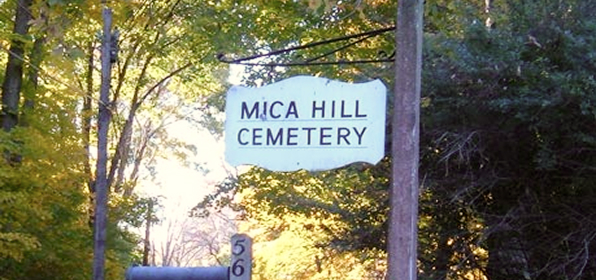
The Mica Hill Cemetery is located in Durham, CT and is operated by Durham Cemetery Company. They are in charge of caring for the burial grounds, lots, monuments, and vaults….
Holy Angels Forever Cemetery
Roselle, IA
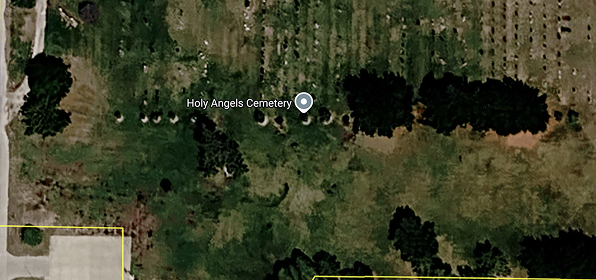
Volunteers are helping ensure the future of Holy Angels Parish and Cemetery by paying respect to its past — a rich history that is the heart of the Roselle community….
Ready to discover a better way to manage your cemetery?
Start your free trial and see Grave Discover Software in action.